Hello everyone, I have an issue with creating new objects into the front panel.
The issue occurs only if we have multiple panes in the FP.
I will first go with the details of the Panes and Splitters before getting into the issue.
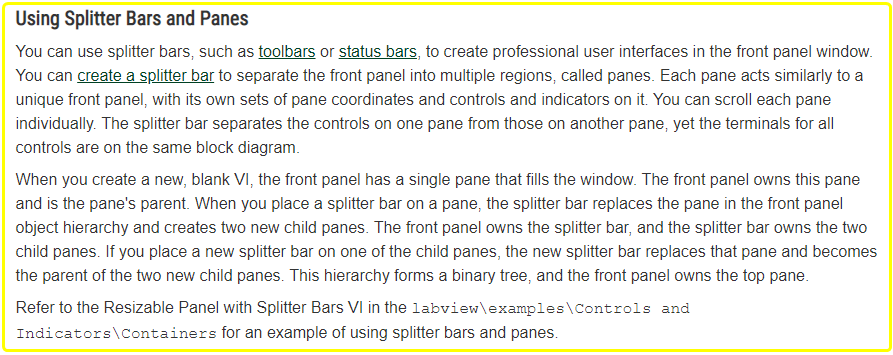
From the NI documentation over here Designing User Interfaces >> Using Splitter Bars and Panes, explains the relation between Splitters and Panes.
With these details, I have created the following VI,
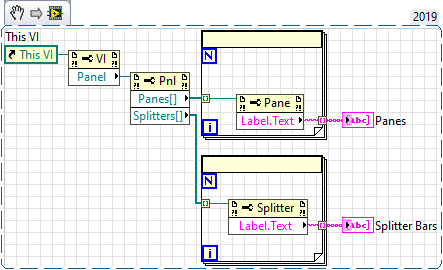
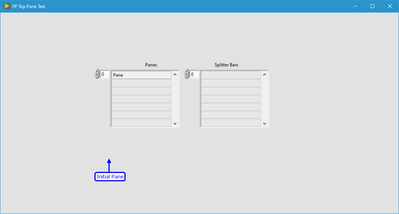
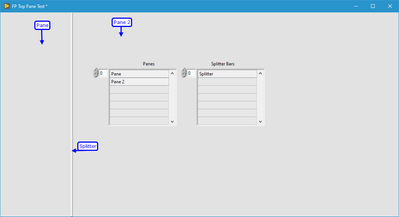
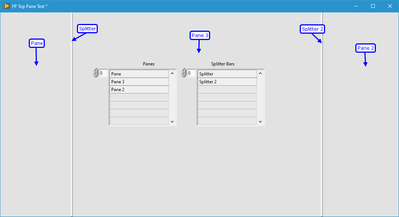
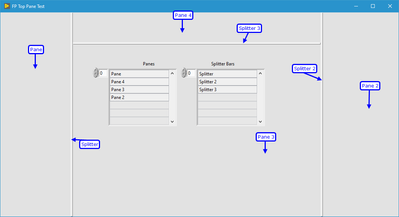

With this setup, I can continue to build my UI.
Dragging and dropping the required objects into the desired panes is quiet normal.
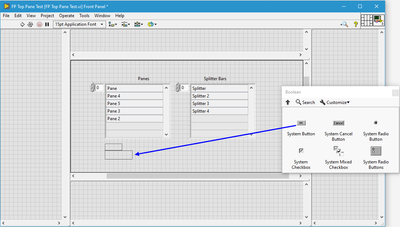
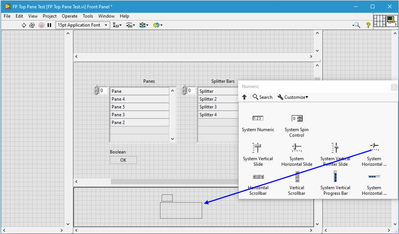
Everything is fine here.
ISSUE:
But if we create any object from the Block Diagram, it always created/goes to one particular pane.
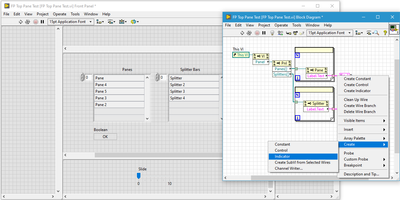
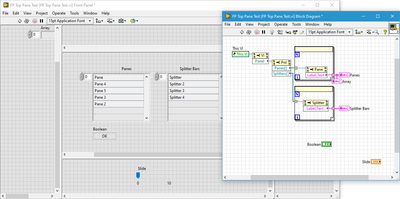
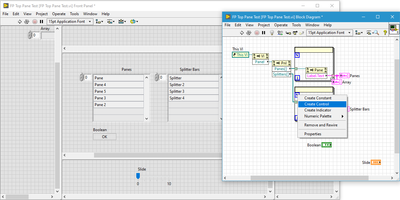
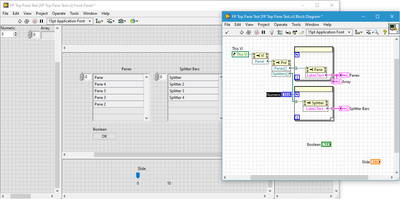
If we have reduced the Pane area for some purpose, and then create new objects, they can go beyond the accessible area.
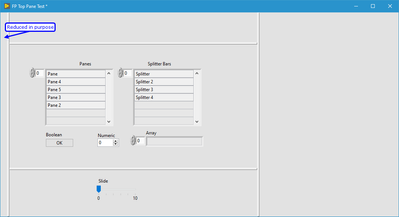
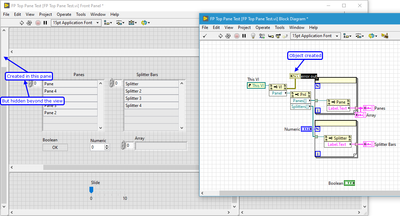
I think this is happening due to the design principles of Splitters and Panes in LabVIEW.
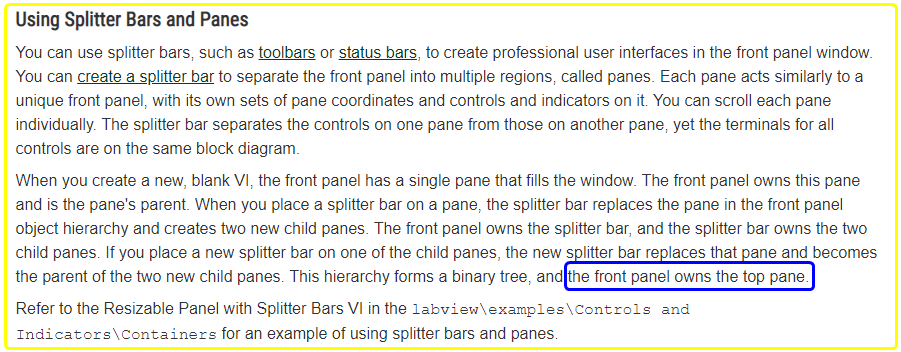
So, whenever an object is created from the BD, it goes to/created in the Top Pane of the Front Panel.
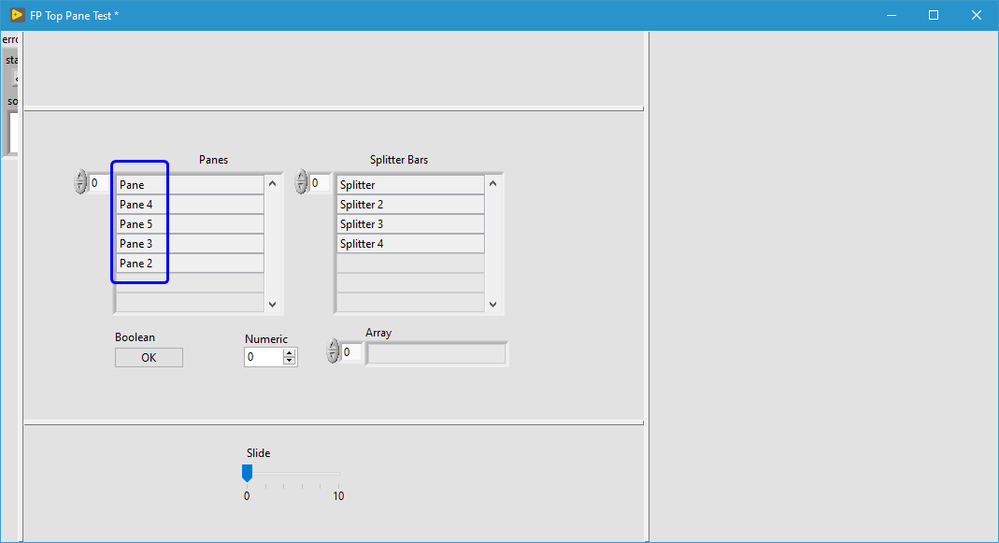
If we can see in the list of panes obtained form the property node, pane named Pane is in the top. That's the reason objects created from BD goes to that pane.
QUERIES:
- Is there any way to change the order of panes of a VI-FP, at least for Edit Time?
- Is there any way to select a Pane as Top Pane? so that further created objects will appear in that pane.
- Is there any way in BD for an Object to explicitly mention/select the pane at which it resides?
Thanks for spending your time to read this topic 👍.
Thanks in advance for suggestions and responses 😇.


